/
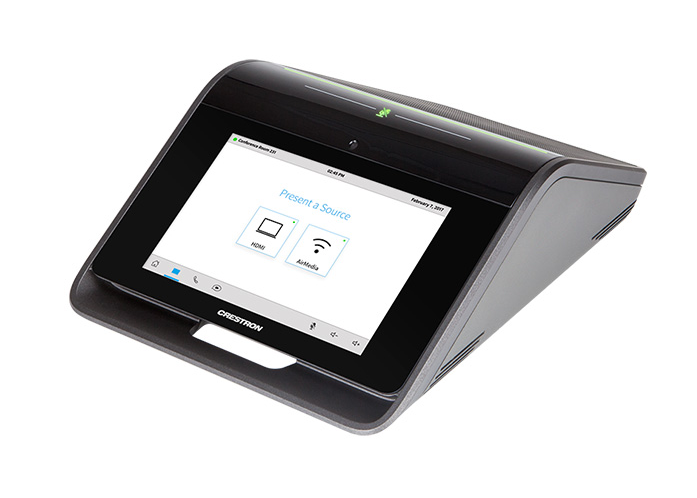
Crestron Mercury Conference System
Aug 20, 2020
Description:
This article will show you how to do the following:
- Manually provision the Crestron Mercury Conference system
Methods:
Create the Device
- Login to the Audian Portal.
- Click the 9 square button at the top right of the screen.

- Click on the Smart PBX app.

- Click Devices on the left.
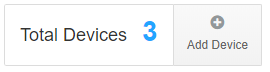
- Click Add Device at the top.
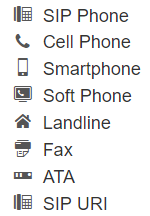
- Select SIP Phone.
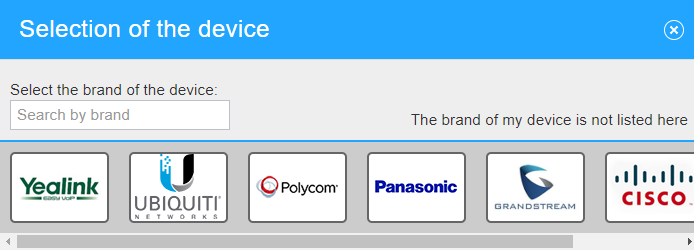
- Click The brand of my device is not listed here.
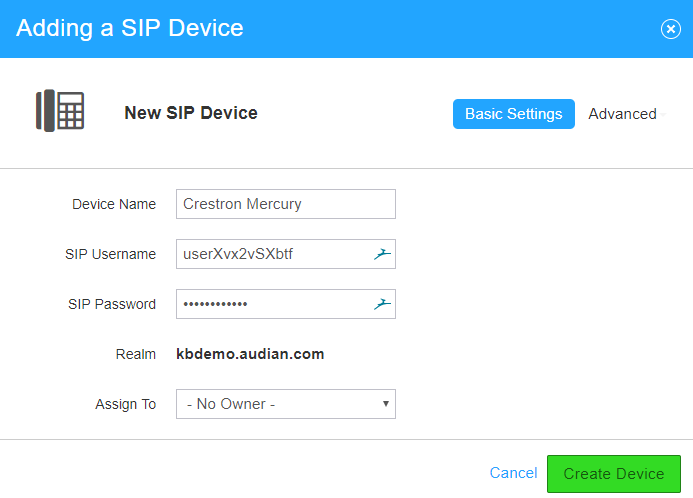
- Enter a device name.
- For the Username, remove the underscore.
- Important: The default username will have an underscore – you will need to DELETE this as the Crestron does not support that “character”
- Click the Password field and make note of the password provided. The Username, Password, and Realm are needed to enter into the device.
- Click Create Device.
Configure the Device
- Locate the devices IP address.
- From a web browser, navigate to the devices IP address.
- Click Sign In.
- When prompted to log in, the Username and Password are both admin.
- Navigate to the SIP Settings area and make sure the following settings are there:
- Cloud Configuration Service Connection = Disabled
- Enable SIP = On
- Transport Type = UDP
- Server IP Address = The Realm address from device creation (Ex: examplecompany.audian.com)
- Port = 5060
- Server Username = The username from device creation
- Note: Ensure that there are no special characters in the username. (0 to 9, A to Z only)
- Server Password = The password from device creation
- Server Realm = *
- Local Extension = The username from device creation
- Note: Ensure that there are no special characters in the username. (0 to 9, A to Z only)
- Proxy Server = The Realm address from device creation (Ex: examplecompany.audian.com)
- Assigned Ethernet Port = Adapter 1
- Note: This will depend on which port you're plugged into.
- Click Save.
, multiple selections available,